HTML Buttons and Weird Bugs
2025/12/26
|
3 mins to read
|
Share article
You spend hours trying to figure out why clicking on a random part of the page triggers a completely unexpected action.
The most likely answer? A button without a type.
HTML buttons and their default behavior
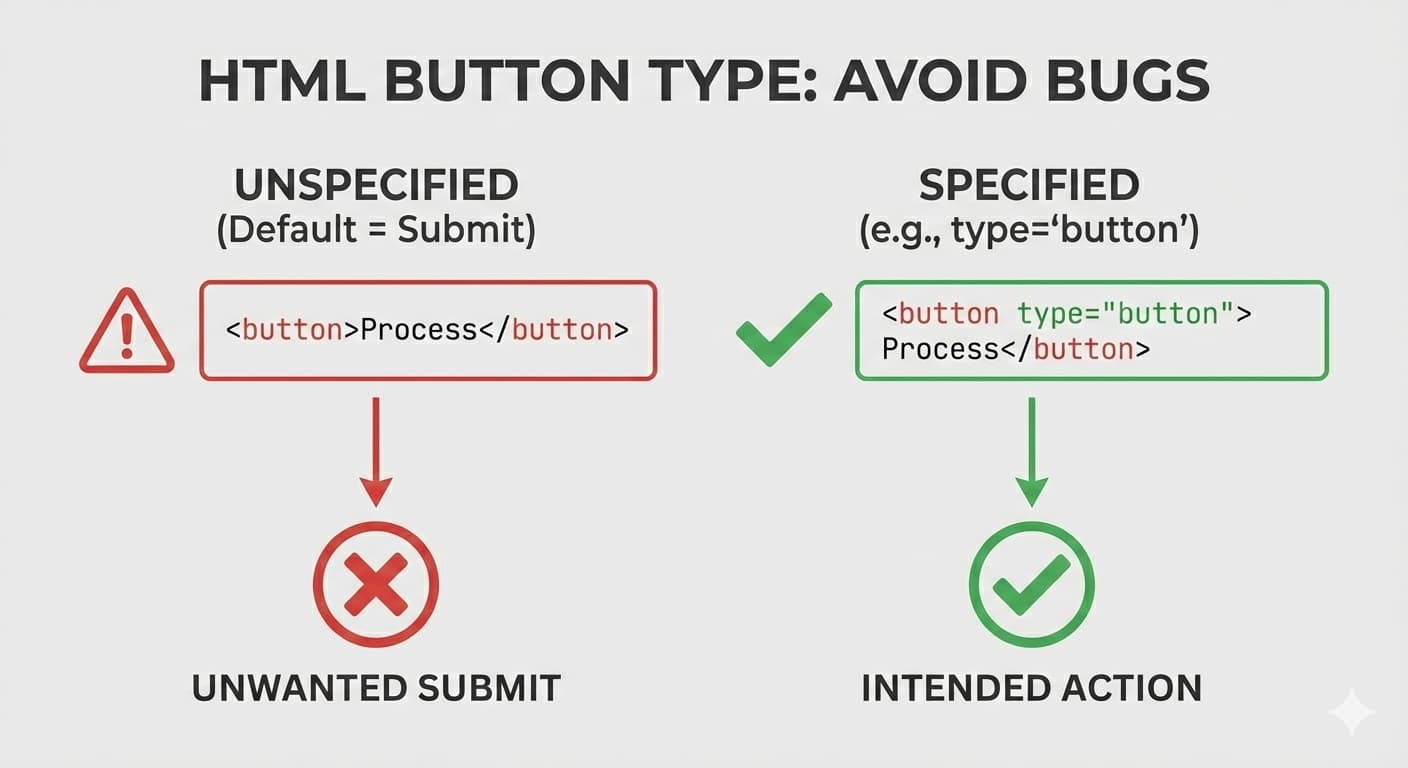
In HTML, when you define a <button> element without explicitly specifying its type, the browser treats it as a submit button by default.
That means clicking it will submit its parent form (if there is one).
<button>Save</button> <!-- type=submit -->
This simple default behavior can easily become the source of subtle and extremely annoying bugs.
A misleading scenario
This is usually where things get confusing. You tell yourself: “This button isn’t even inside a form!” For example:
- a button inside a modal
- or a button in a section of the page that looks unrelated to any form
But when you click it, boom — some other form gets submitted.
The reason is that, from the DOM’s point of view, the button is still considered part of a form (or associated with one). The browser then does exactly what it’s designed to do.
What’s the solution?
To avoid this problem, always specify the button type explicitly:
<button type="button">Click Me</button>
This way, the button is treated as a regular button and won’t submit any form unless you explicitly want it to.
How can we manage this without manually checking every button?
In large projects, manually reviewing every button is not realistic. This is where static code analysis tools can help.
For example, you can use ESLint with HTML or JSX-related plugins to warn you whenever a button is missing a type attribute.
ESLint documentation for this rule: https://html-eslint.org/docs/rules/require-button-type
Why hasn’t this behavior changed?
In the early days of the web, buttons had almost a single purpose: submitting forms. That’s why when the <button> element was introduced, its default behavior was set to submit.
This behavior was intentionally kept. Changing it today could break a huge number of existing websites. Instead, the HTML standard chose to put the responsibility on developers: explicitly define the button type when needed.
Simply put, HTML is conservative. It prefers not to break the web — even if that means a bit more responsibility (and pain) for modern developers.
Conclusion
Not specifying the type attribute on buttons may seem like a tiny detail, but it can easily lead to weird, silent, and time-consuming bugs.
HTML still matters — even in a world full of frameworks. Sometimes, a single line of code can save you hours of debugging.